How to install SMART IPTV
- Start by downloading the Smart IPTV App from the store. Please note: For the beginning, the App offers you a 7 Day free trial. After the App expires, you can obtain it again via in-App microtransaction or visit the website and purchase the license.
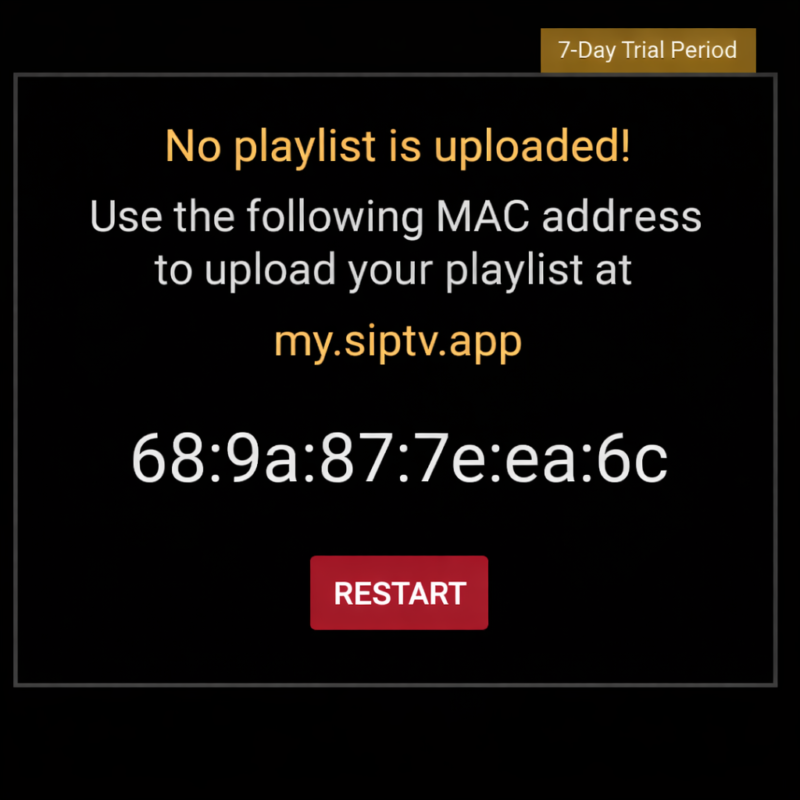
- After opening the application, your TV’s MAC address will be displayed. Note it down carefully so you can use it in the next step.
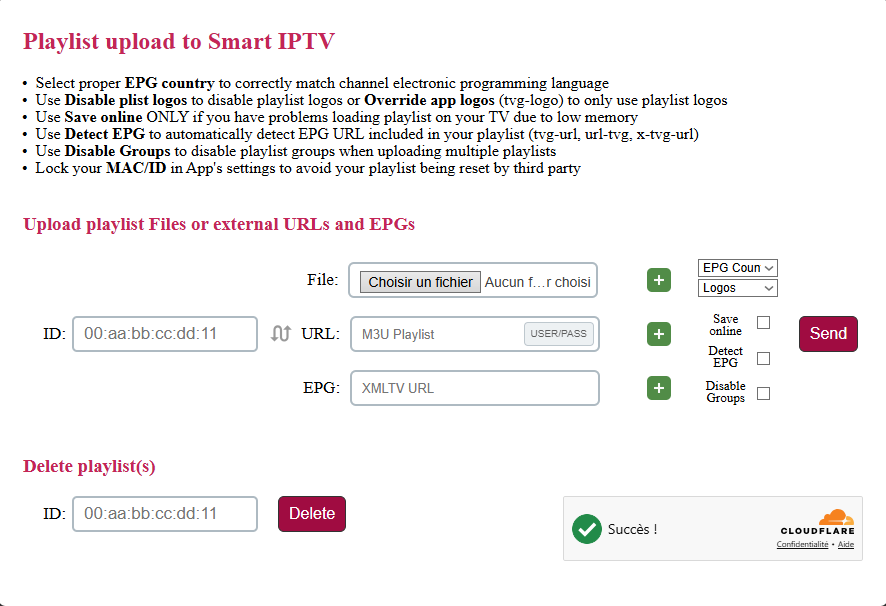
- Open the playlist uploader web page by opening this URL https://siptv.app/mylist/
- Enter your TV’s MAC address and the provided M3U link, check « KeepOnline », and then click « AddLink ». It is recommended to use the M3U link rather than a static M3U file to automatically receive updates.
- Once your playlist has been successfully downloaded, restart the SmartIPTV app: the channels will appear automatically. For adult content, you can try the passwords 0000, 1234, or 1122 to unlock it.