
- Download the version compatible with your device directly from the official VLC website https://www.videolan.org
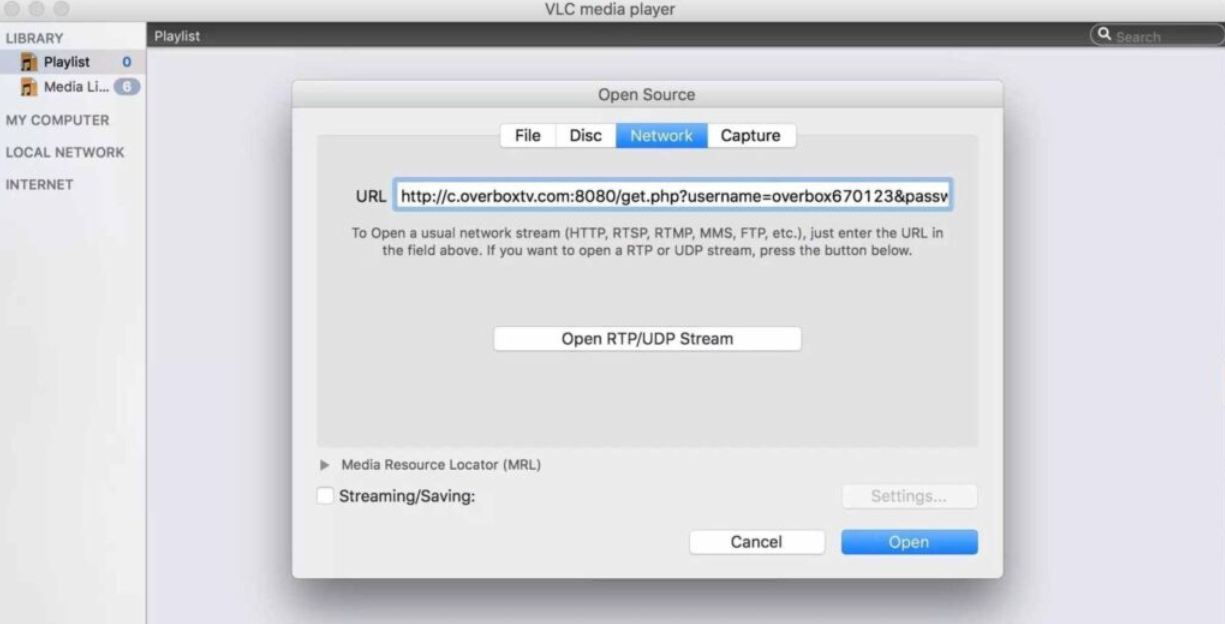
- Enter the M3U link. After installation, go to File → Open Network Stream and paste the link into the URL field. You can also use the shortcut CTRL+N (or Command+N on macOS) to directly access the URL section and enter the M3U link there.
GUIDE SET UP IPTV IN MAC OS
- Open the channel list, then select Open and tap the three-line icon to display the full channel list.